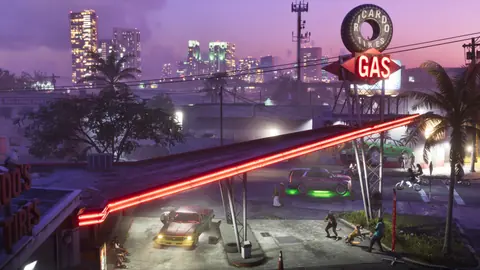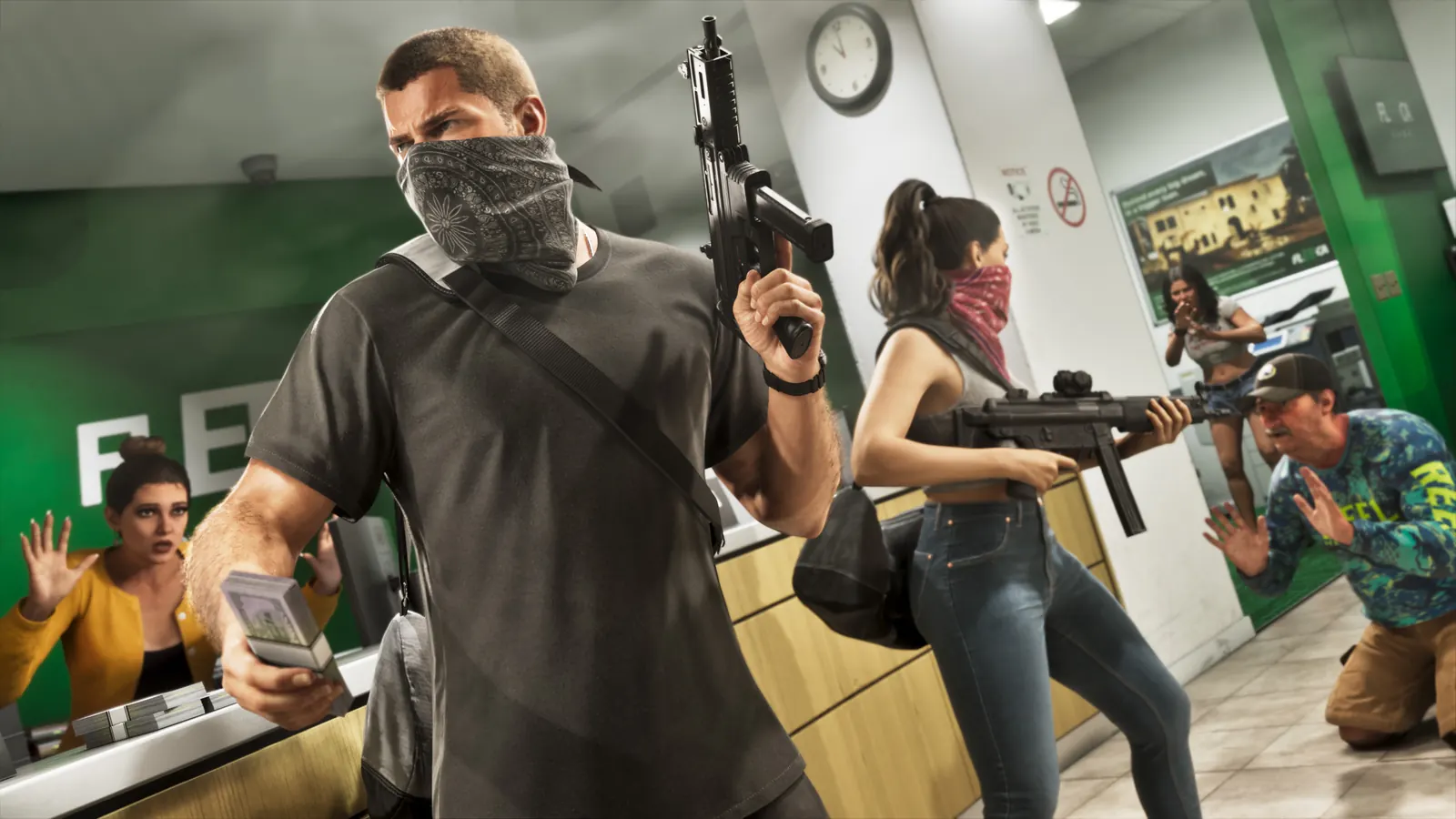
What the Extended Look shows
TechRadar described GTA 6's HUD as less cluttered and quicker to use than GTA V's, with a minimal weapon wheel.
What previews add
- Police are not marked on the minimap; a coloured screen-edge glow and a red "reported crime" zone help instead (Wanted system).
- The phone is a 3D object the camera zooms in on, not an overlay (Phone and apps).
- Rob Nelson told IGN that a lot of content is found by exploring, not through map markers.
- Hit markers change colour depending on whether a target is hurt, incapacitated or killed (Combat and gunplay).
Accessibility and options
Rockstar has not published a list of HUD or accessibility options. We will add them after launch.
Everything on this page was described before launch (19 November 2026) from Rockstar's own videos and from press previews. Details may differ in the final game and will be re-checked after release.
Sources
- 16 new GTA 6 details we learned from the big Extended Look gameplay video (TechRadar, Demi Williams) 2026-08-27
- GTA 6 news roundup: every gameplay, combat and world detail confirmed (eXputer, Ahmed Shayan; Extended Look + previews) 2026-08-28
- GTA 6 interview reveals new details about the game (Insider Gaming, Grant Taylor-Hill; summarises IGN's interview with Rockstar North's Rob Nelson) 2026-10-07
- GTA 6 combat preview details (Gfinity Esports, Alexandria Lopez; based on creator TGG's Rockstar preview) 2026-09-02
Last updated 2026-11-20. Spotted a mistake? This wiki only lists sourced facts — how we work.